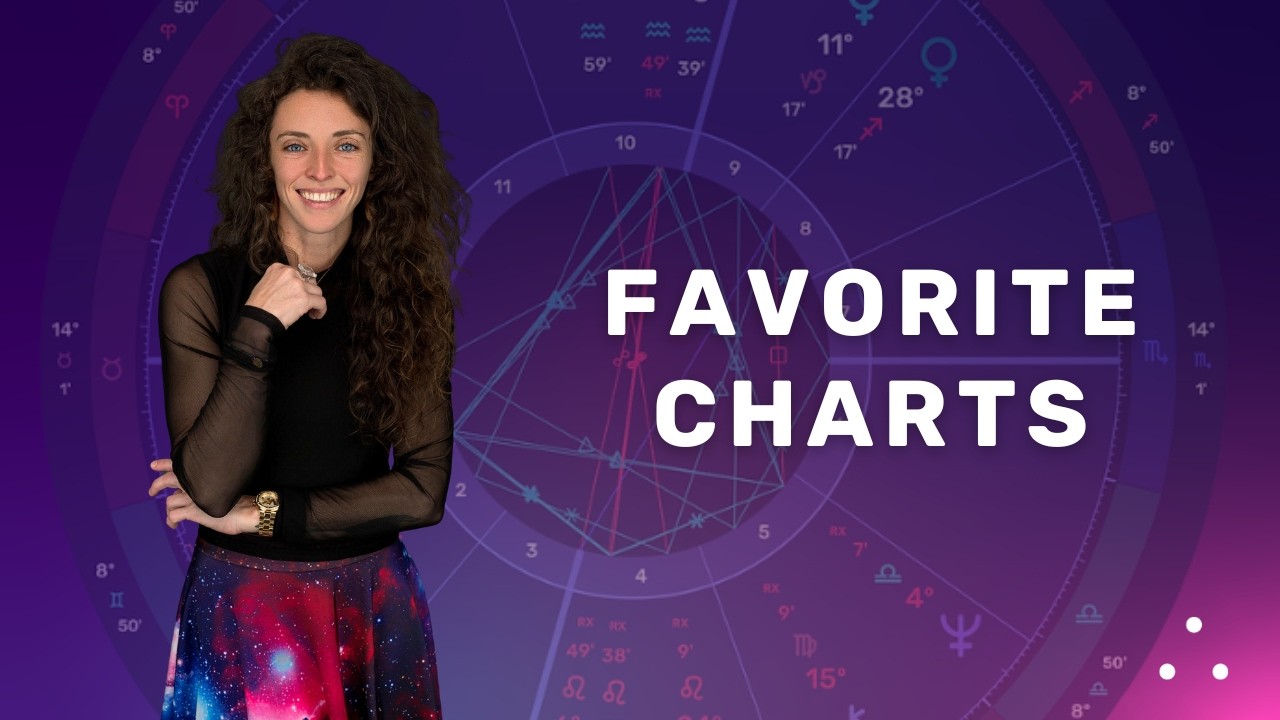
Learn how to use Chart History in LUNA to quickly return to charts you’ve recently viewed and access your full chart history.
In this video you'll learn how to:
•Access Chart History from Quick View •View your 24 most recently opened charts •Search and browse your full chart history •Delete individual history entries
Meet your LUNA Astrology Ambassadors: Maggie Kitch and Meli Neubek of Celestial Curiosities bring their love of astrology, curiosity, and expertise to LUNA’s tutorial series.
Learn more about Celestial Curiosities: https://celestialcuriosities9.com/
Empower your astrology with beautiful software & personalized reports. Upgrade your practice and feel supported in your astrology journey, because your practice deserves a sacred space.
Start your subscription: unlock interactive charts, real-time transits, bi-wheels and more on every device you own: https://www.lunaastrology.com/signup
Purchase Your Map of Potentials report: a personalized, transpersonal guide built just for your chart: https://www.lunaastrology.com/yourmapofpotentials
Questions or support: https://www.lunaastrology.com/inquire
Watch Now